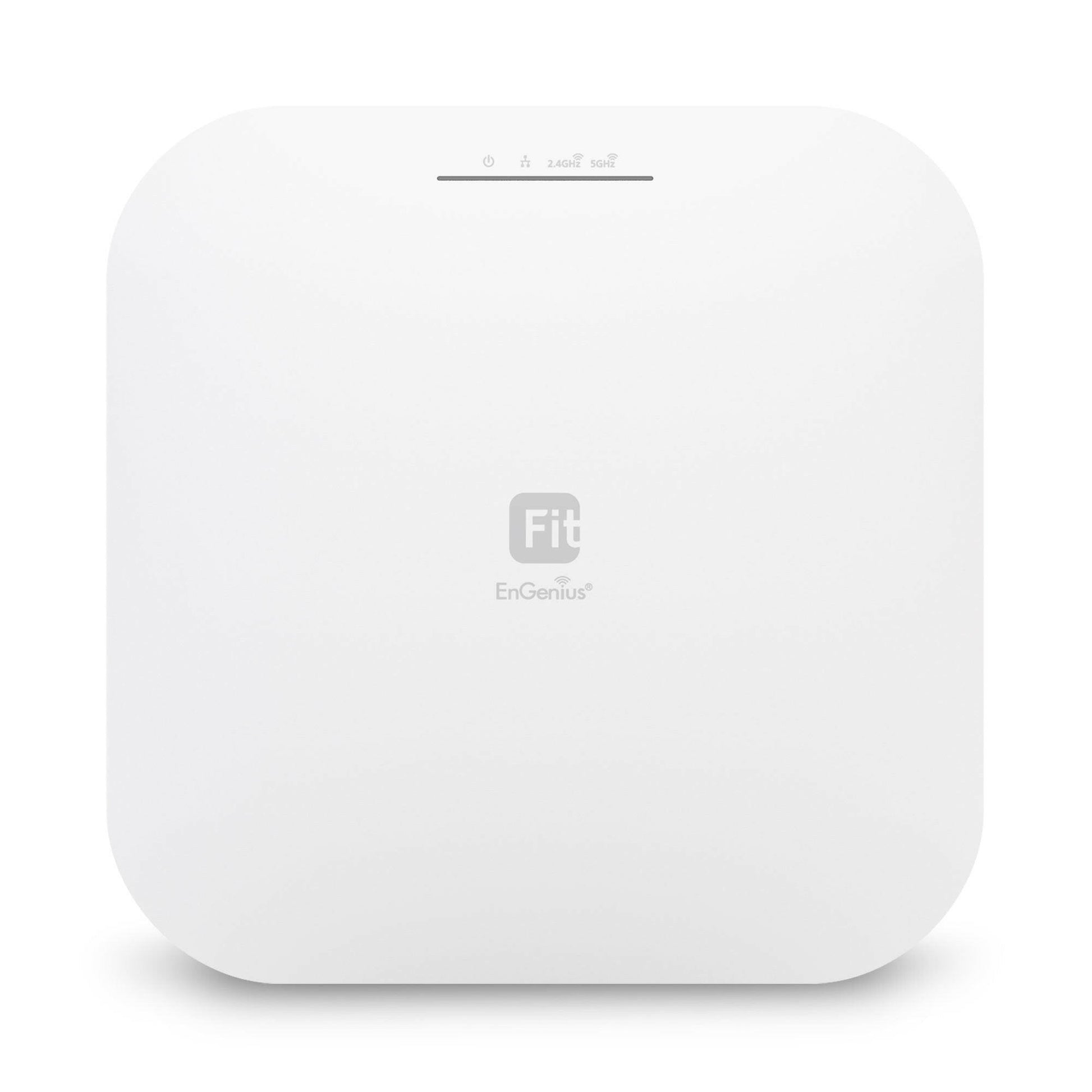
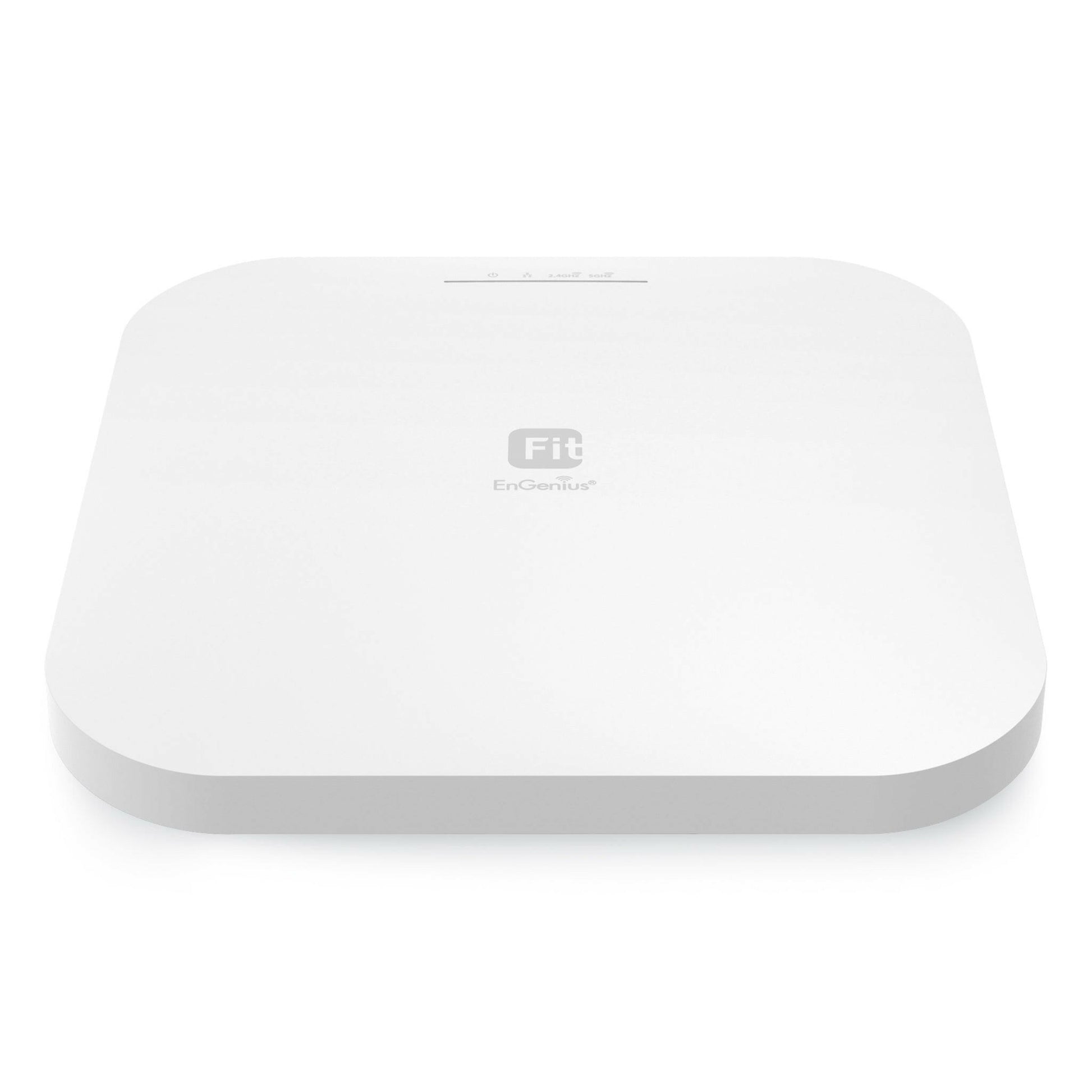
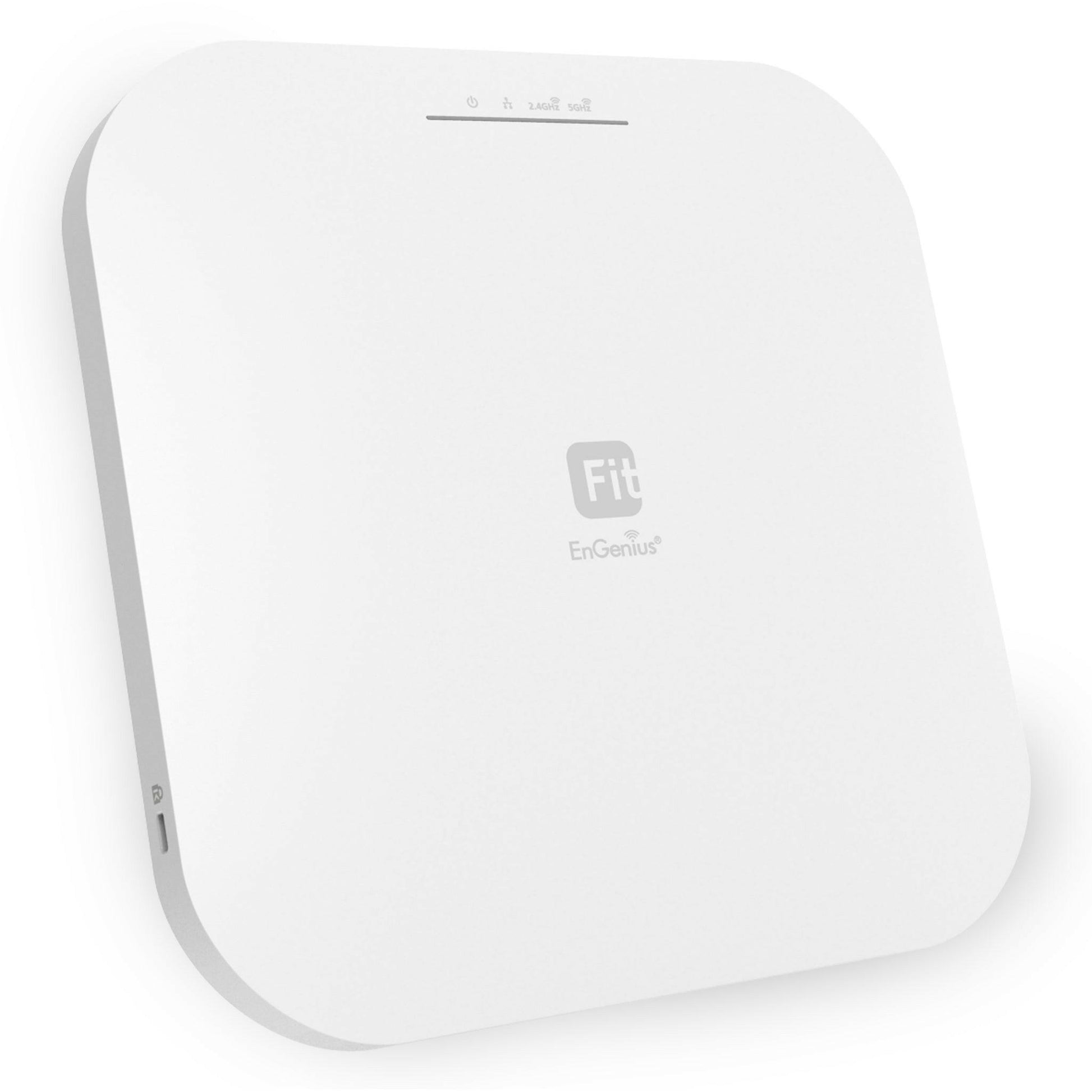
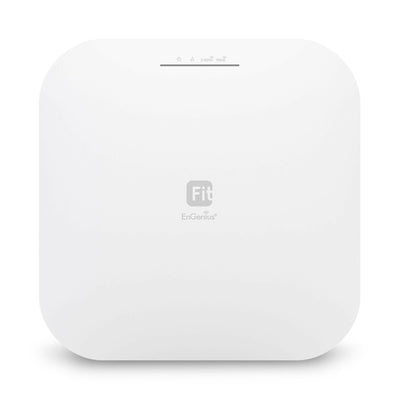
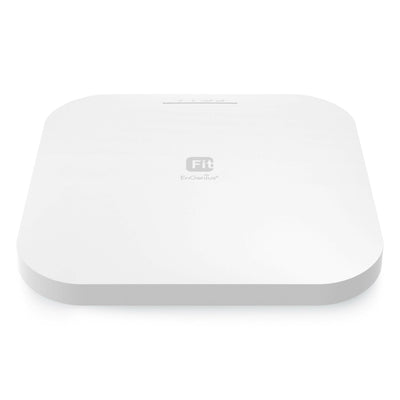
EWS276-FIT: EnGenius Fit 4×4 Indoor Wireless Wi-Fi 6 Access Point
$149.00
/ per
Indoor WiFi 6 AP speeds up to 1148Mbps on 2.4GHz and 2400Mbps on 5GHz
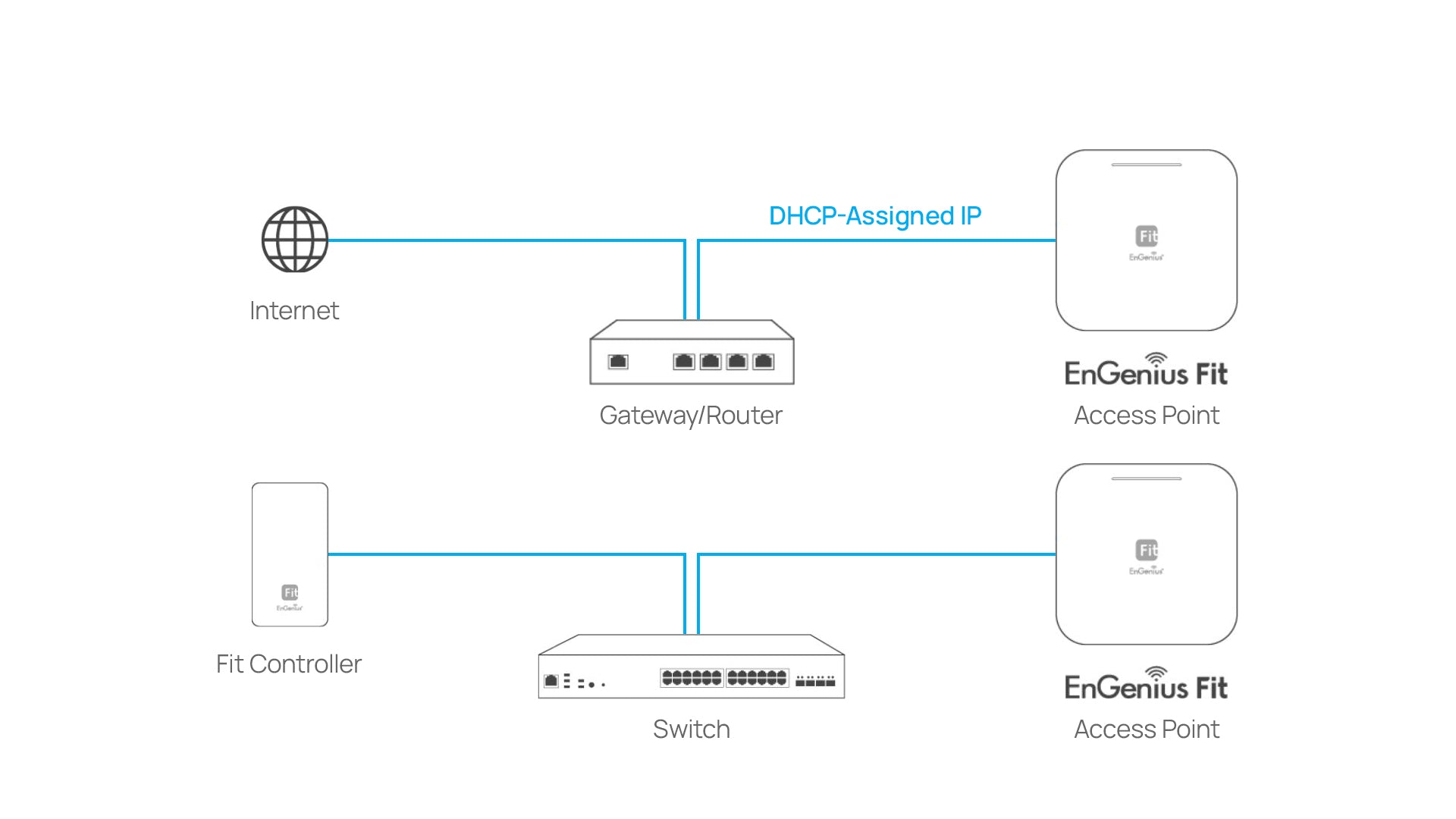
The EnGenius Fit Managed EWS276-FIT 4x4 WiFi 6 AP is managed by the Fit mobile app, Fit on-prem controller, or Fit cloud and supports an aggregate Wi-Fi speed of 3.5 Gbps, one 2.5 GbE PoE+ port & eight 5 dBi antennas providing faster speeds, improved coverage, and 250 concurrent connections.
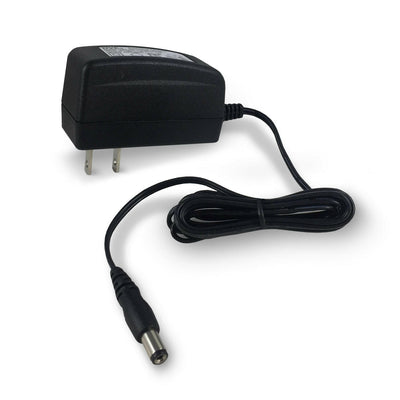
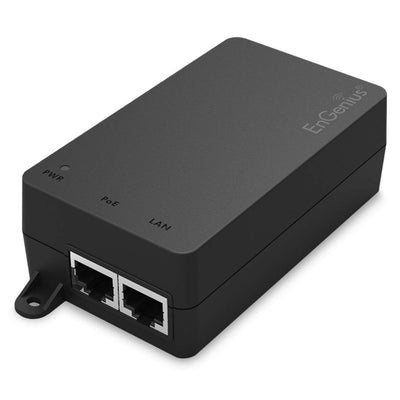
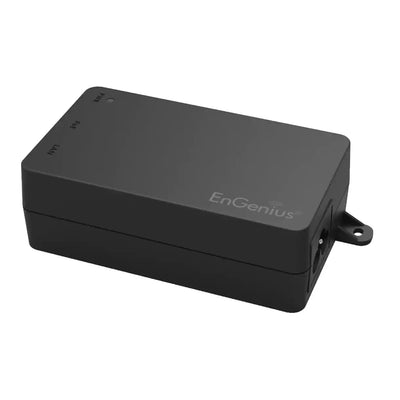
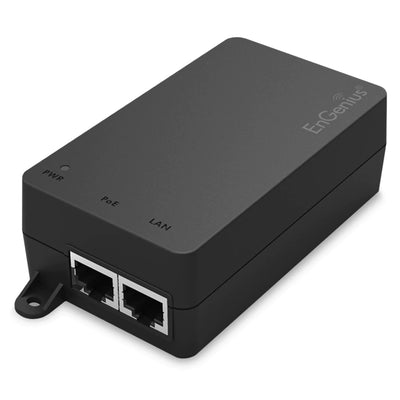
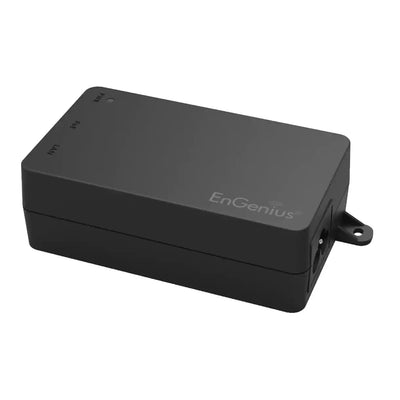
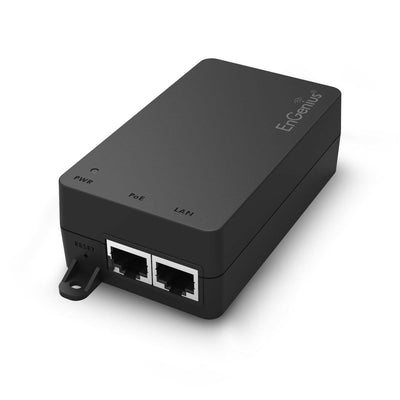
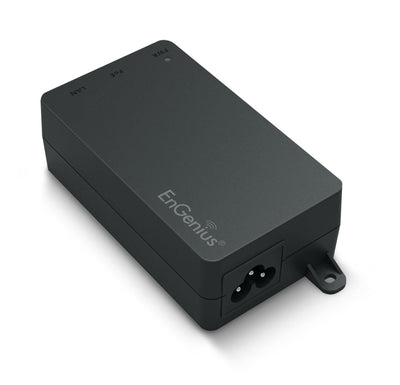
Must be powered over Ethernet, AC Adapter not included. Power Options >
Not satisfied? We allow returns within 30 days of product purchase
Management
This product is compatible with the EnGenius Fit line of products
WiFi 6
Supports up to 2,400 Mbps in 5GHz band & 574 Mbps in 2.4GHz band
Customer Reviews
Overall rating: 4.9 / 5 from 18 reviews.
I've been an Engenius customer for some time and have been satisfied with the ease of management/administration and the performance thus far. Among all, this EWS276-FIT is far ahead of my expectations. It gives plenty of bandwidth to satisfy all my home needs-be that seamless streaming or smooth video conferencing. Highly recommend this model to whosoever wants enhancement in their home network.
I've recently been working on replicating the functionality of services running on my ISP router, over to equipment I own, so that if the ISP router needs to be rebooted, for whatever reason, services like DHCP and wireless are unaffected. I bought this switch to put in my basement, the last coverage point I needed before I was able to turn off all wireless functions at the router. I have no complaints with any of my access points, they do what they're supposed to do.
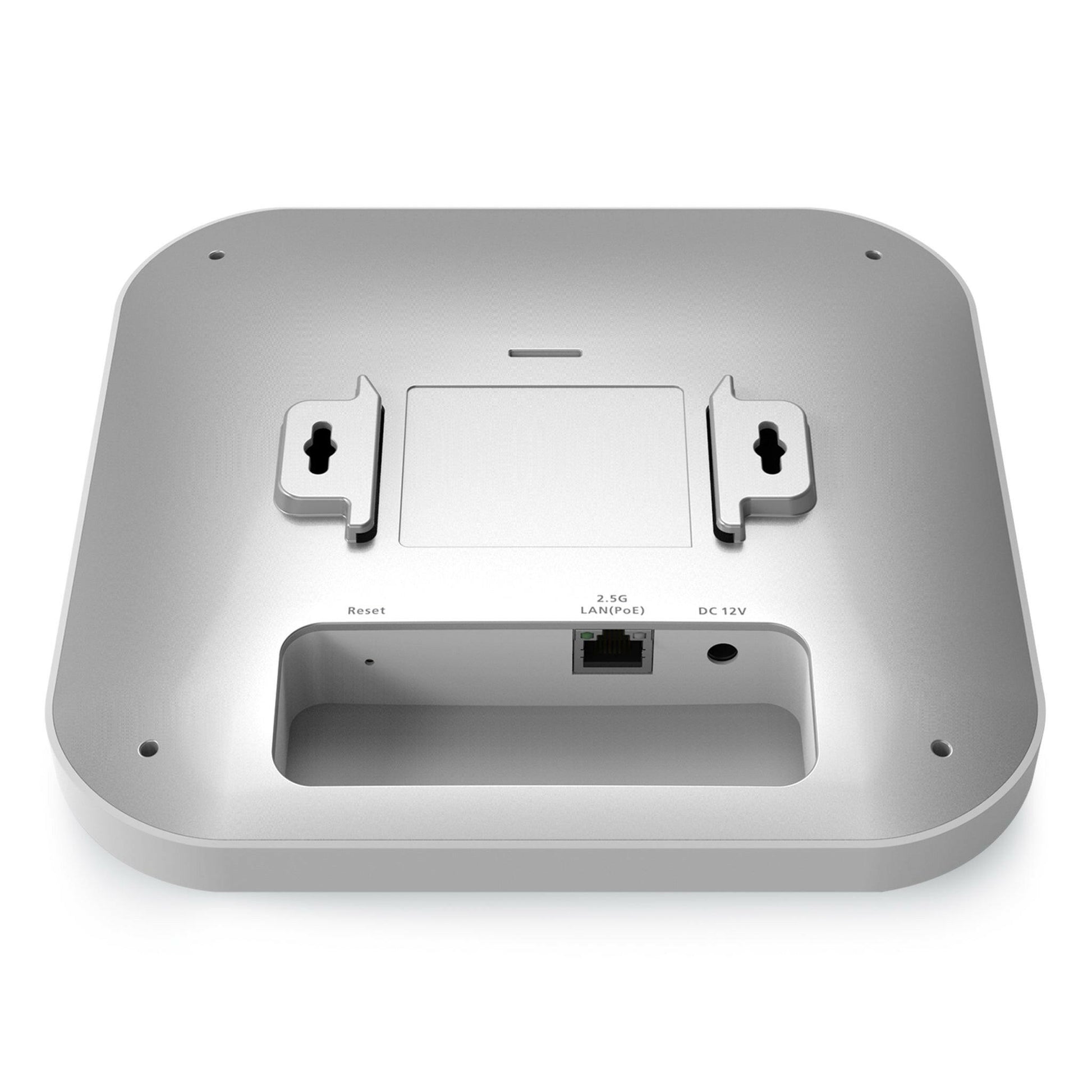
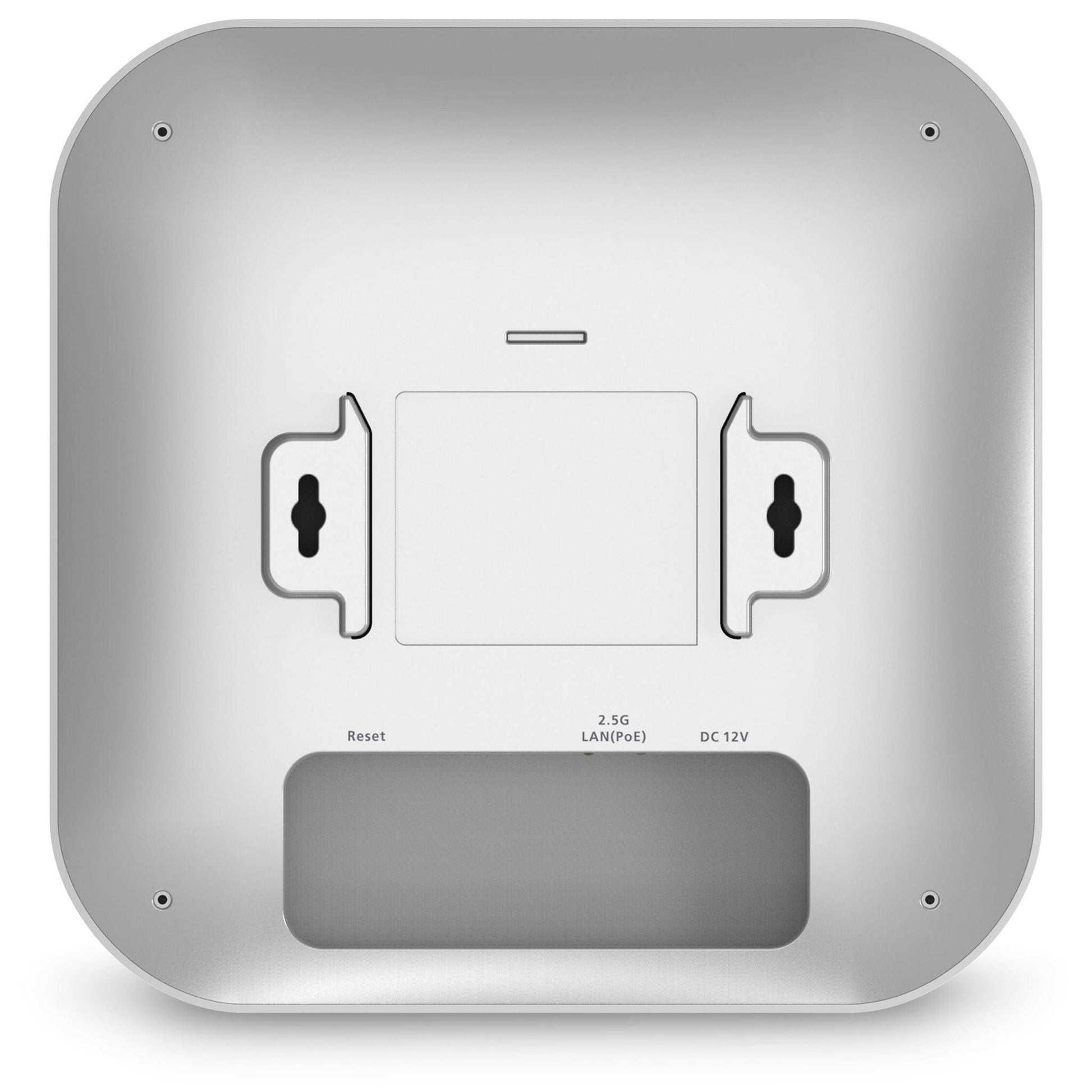
Installed this upstairs in the ceiling. Easy to mount but be sure to use the black spacers between the ceiling and the bracket to make it flush. Web interface was easy to setup using the stand alone option. Only thing I wish it had was DHCP device names but overall I am greatly satisfied.
This is a review for the AX3000 (EWS356-Fit).This unit made me stop my bad habit of making cheap-routers-stuck-in-AP-mode-with-cables-everywhere work for my home network. I was previously holding out for a UniFi AP, but I saw these pop-up seemingly out of nowhere and for literally half the cost.It's a little slow to fully broadcast from a cold-boot; not more than 3-5 minutes each time, but noticeable. This is probably either the cheap switch I'm using, the fact that it's running in PoE-mode, or some other experience issue. But once it's up, the signal has no issue reaching the floor below it and my phone as I stand in the driveway. The menu is VERY simple and easy to work with, and the level of control compared to normal consumer hardware that I've just "made work" in the past is VERY nice.Keeping the unit in the same room that the previous access point it was replacing in, I saw a download speed increase of 120 Mbps. I am no longer in the "I don't care about the newest 802.11" crowd.As others have said; there isn't really a good way to flush-mount the thing without modifying the included T-Rails. The gap (for me) was about ~1/2", maybe a little less. It was not a deal breaker for me, but it's worth pointing out.I will definitely be getting at least one more to test the mesh capabilities. Strongly recommend.
This WAP works as promised and, using the app, was easy to set up in a basic configuration. Speed is good and it doesn't drop connections in my environment.Having said that, the setup app isn't really designed for walking you through the most common use for a WAP, that of creating a multi-access point single-SSID network. I set it up using the default SSIDs and it works but I found that it wasn't clear how to get what I wanted. A little Google research got me what I needed to know (configure your router and the WAP to use a static IP address) and then use the same SSID name/password for each WAP installed.
Dual-Band radios support up to 2,400 Mbps in 5 GHz & 1,148 Mbps in 2.4 GHz frequency bands
Take advantage of greater throughput with a 2.5 gigabit Ethernet port
PoE+ (802.3at) & 48V input support for flexible installation over 100 meters (328 feet)
Uplink and downlink of OFDMA improves transmission to APs and client devices
Target Wait Time (TWT) automatically provides power-saving for Wi-Fi clients & IoT devices
Uplink & downlink of MU-MIMO for optimal signal & reception reliability for up to 2 devices
Reduce transmission wait time and contention with support from spatial reuse and BSS coloring
Fit solution provides essential network control and visibility from anywhere
Choose FitXpress, FitController, or Fit Cloud-lite based on network scale and technical ability
Configure in minutes with Fit management’s quick-scan device register and setup
Simplified app-based step by step instructions for ease of use
Real-time system metrics, analytics, and remote troubleshooting
No access point licensing or subscription fees
Technical
Standards IEEE 802.11ax on 2.4 GHz IEEE 802.11ax on 5 GHz
Backward compatible with 802.11a/b/g/n/ac
Processor Mediatek MT7986A Quad-core A53 2GHz
Antenna 4 x 2.4 GHz: 5 dBi 4 x 5 GHz: 5 dBi Integrated Omni-Directional Antenna
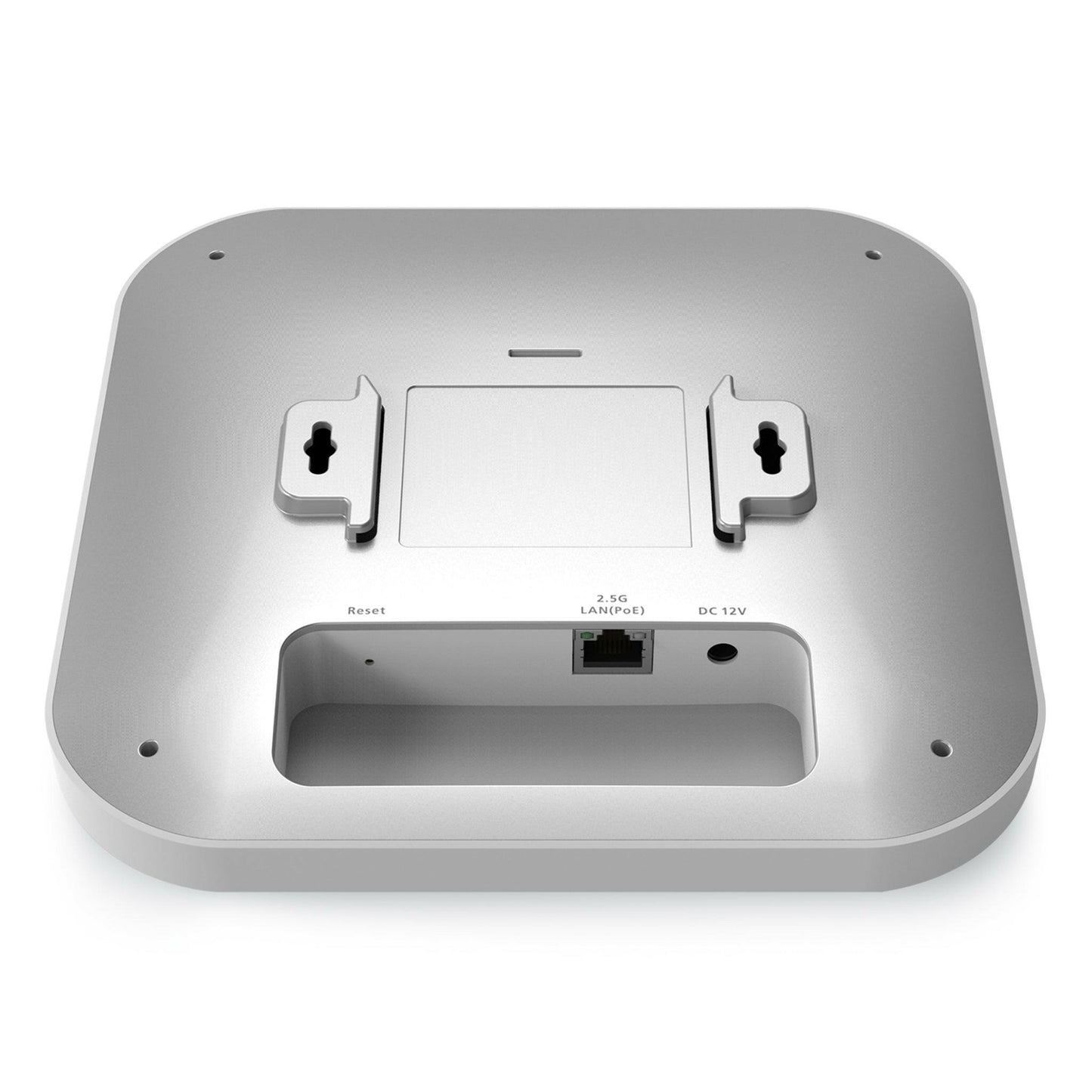
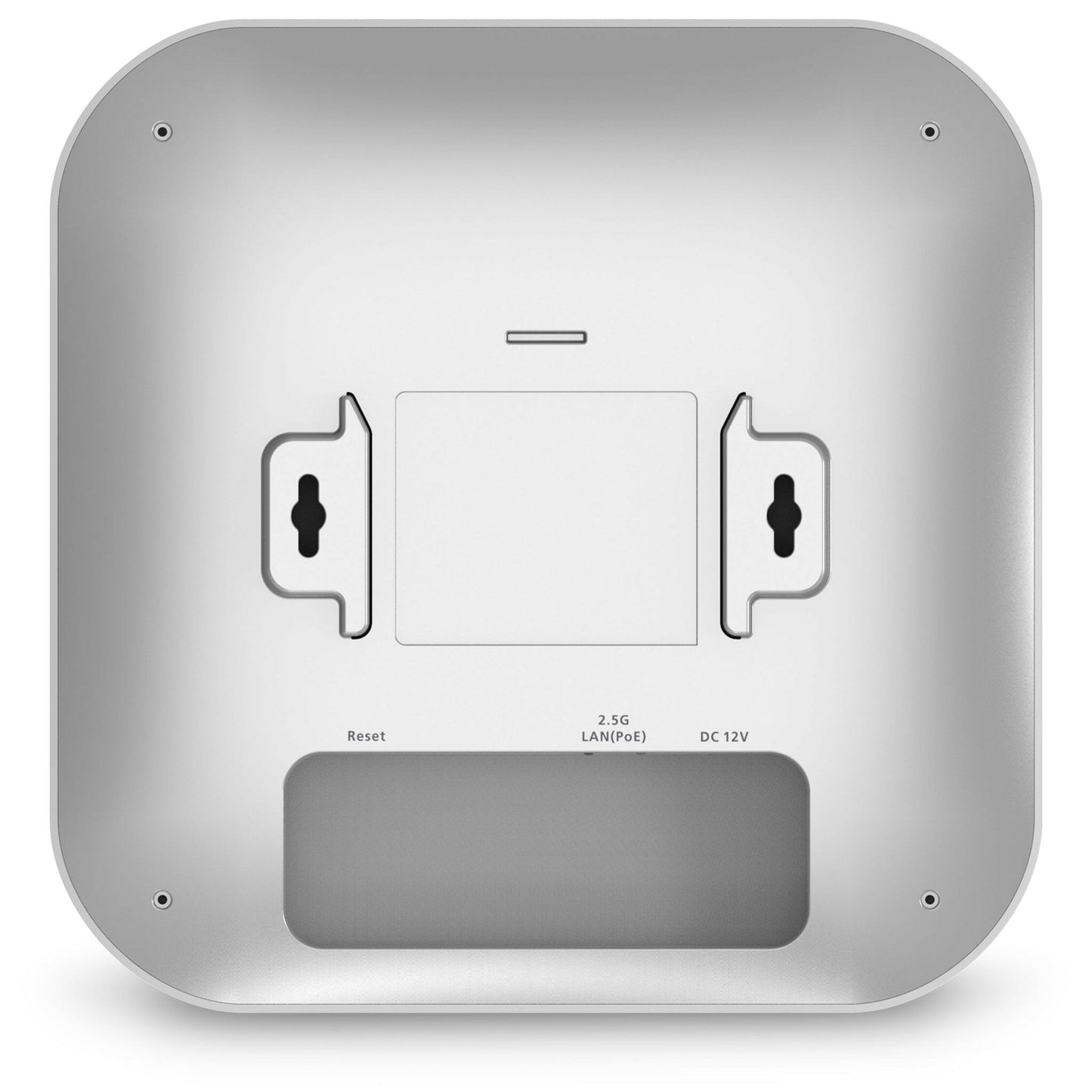
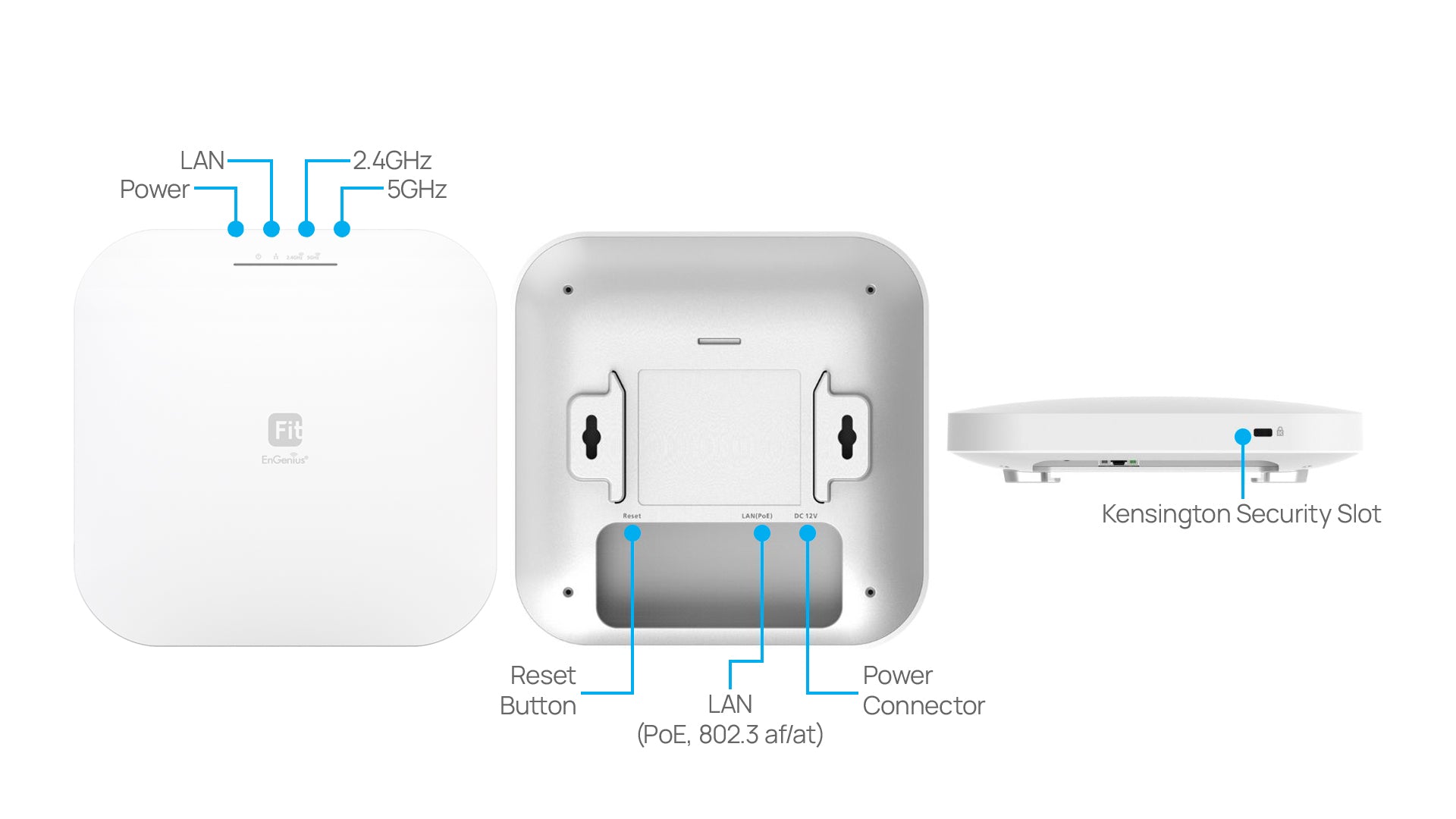
Physical Interface 1 x 10/100/1000/2500 N-BASE-T, RJ-45 Ethernet Port 1x DC Jack 1 x Reset Button
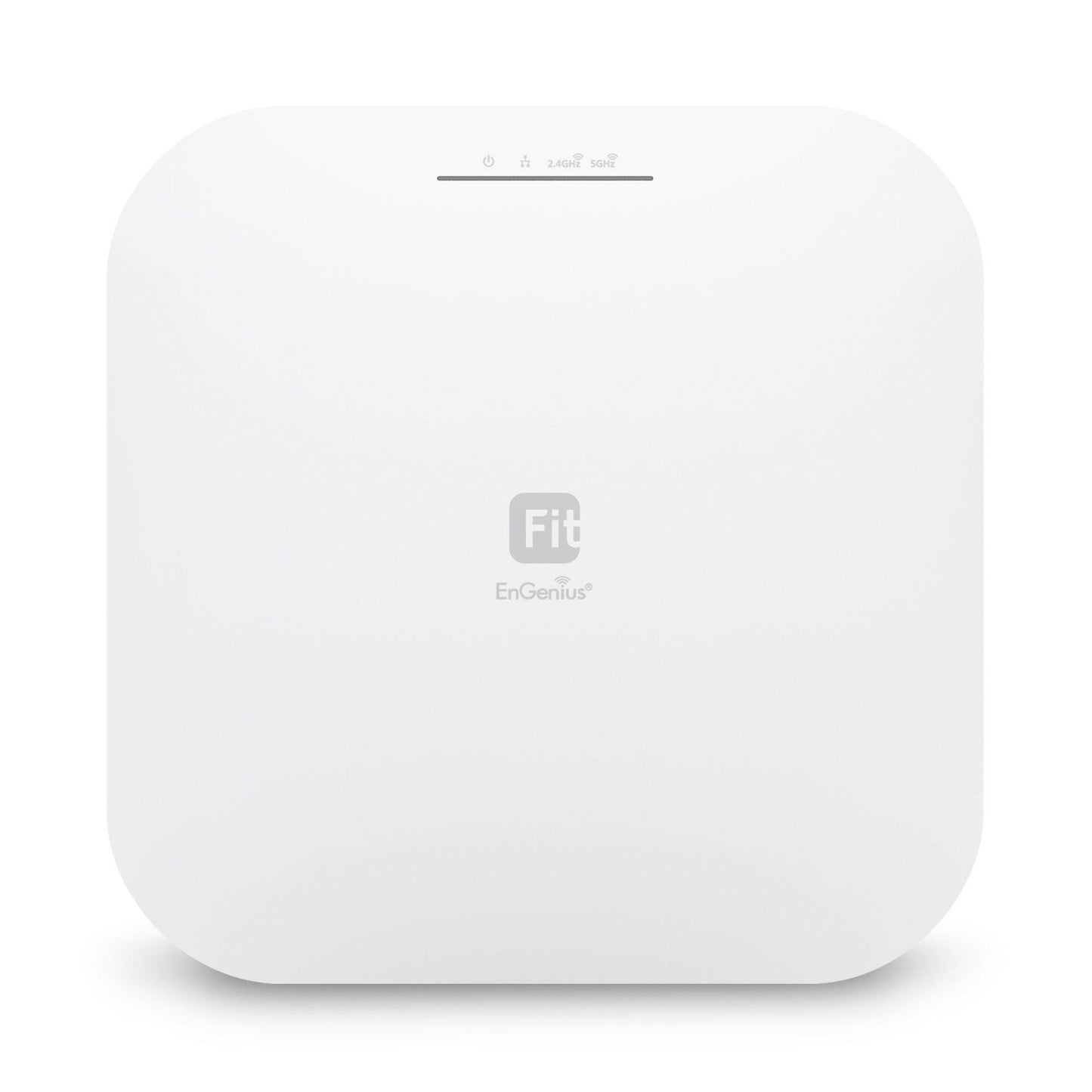
LED Indicators 1 x Power 1 x LAN 1 x 2.4 GHz 1 x 5 GHz
Power Source Power-over-Ethernet: 802.3at Input 12VDC /2A
Maximum Power Consumption 17W
Wireless & Radio Specifications
Operating Frequency Dual-Radio Concurrent 2.4 GHz & 5 GHz
Operation Modes AP
Frequency Radio 2.4 GHz: 2400 MHz ~ 2482 MHz 5 GHz: 5150 MHz ~ 5250 MHz, 5250 MHz ~ 5350 MHz, 5470 MHz ~ 5725 MHz, 5725 MHz ~ 5850 MHz Transmit Power Up to 23 dBm on 2.4 GHz Up to 23 dBm on 5 GHz (Maximum power is limited by regulatory domain)
Tx Beamforming (TxBF) Yes
Radio Chains/Spatial Stream 4x4:4
SU-MIMO Four (4) spatial stream SU-MIMO for 2.4GHz and four spatial stream SU-MIMO for 5GHz up to 3,548 Mbps wireless data rate to a single wireless client device under both the 2.4 GHz and 5GHz radios.
MU-MIMO Four (4) spatial streams Multiple (MU)-MIMO for up to 2400 Mbps wireless data rate to transmit to two (2) two streams MU-MIMO 11ax capable wireless client devices under 5GHz simultaneously.
Four (4) multiple (MU)-MIMO for up to 1,148 Mbps wireless data rate to transmit to two streams MUMIMO 11ax capable wireless client devices under 2.4GHz simultaneously.
Supported Data Rates (Mbps) 802.11ax: 2.4 GHz: 9 to 1148 (MCS0 to MCS11, NSS = 1 to 4) 5 GHz: 18 to 2400 (MCS0 to MSC11, NSS = 1 to 4) 802.11b: 1, 2, 5.5, 11 802.11a/g: 6, 9, 12, 18, 36, 48, 54 802.11n: 6.5 to 600 Mbps (MCS0 to MCS31) 802.11ac: 6.5 to 1733 Mbps (MCS0 to MCS9, NSS = 1 to 4)
Supported Radio Technologies 802.11ax: Orthogonal Frequency Division Multiple Access (OFDMA) 802.11b: Direct-sequence spread-spectrum (DSSS) 802.11ac/a/g/n: Orthogonal Frequency Division Multiple (OFDM)
Channelization 802.11ax supports high efficiency (HE) —HE 20/40/80 MHz 802.11ac supports very high throughput (VHT) —VHT 20/40/80 MHz 802.11n supports high throughput (HT) —HT 20/40 MHz 802.11n supports very high throughput under the 2.4GHz radio –VHT40 MHz (256-QAM) 802.11n/ac/ax packet aggregation: A-MPDU, A-SPDU
Spanning Tree Supports 802.1d Spanning Tree Protocol
QoS (Quality of Service) Compliant with IEEE 802.11e Standard WMM
SNMP v1, v2c, v3
MIB I/II, Private MIB
Wireless Security WPA3 WPA2 Enterprise (AES) WPA2 AES-PSK Hide SSID in Beacons MAC Address Filtering, up to 32 MACs per SSID for standalone mode, and Up to 256 MACs per SSID for managed mode. Wireless STA (Client) Connected List SSH Tunnel Client Isolation
Environmental & Physical
Multiple BSSID 8 SSIDs for both 2.4GHz and 5GHz radios.
Spanning Tree Supports 802.1d Spanning Tree Protocol
QoS (Quality of Service) Compliant with IEEE 802.11e Standard WMM
SNMP v1, v2c, v3
MIB I/II, Private MIB
Wireless Security WPA3 WPA2 Enterprise (AES) WPA2 AES-PSK Hide SSID in Beacons MAC Address Filtering, up to 32 MACs per SSID for standalone mode, and Up to 256 MACs per SSID for managed mode. Wireless STA (Client) Connected List SSH Tunnel Client Isolation
Dimensions & Weights
Temperature Range Operating: 32ºF~104ºF (0ºC~40ºC) Storage: -40ºF~176 ºF (-40ºC~80ºC)
Humidity (non-condensing) Operating: 90% or less Storage: 90% or less
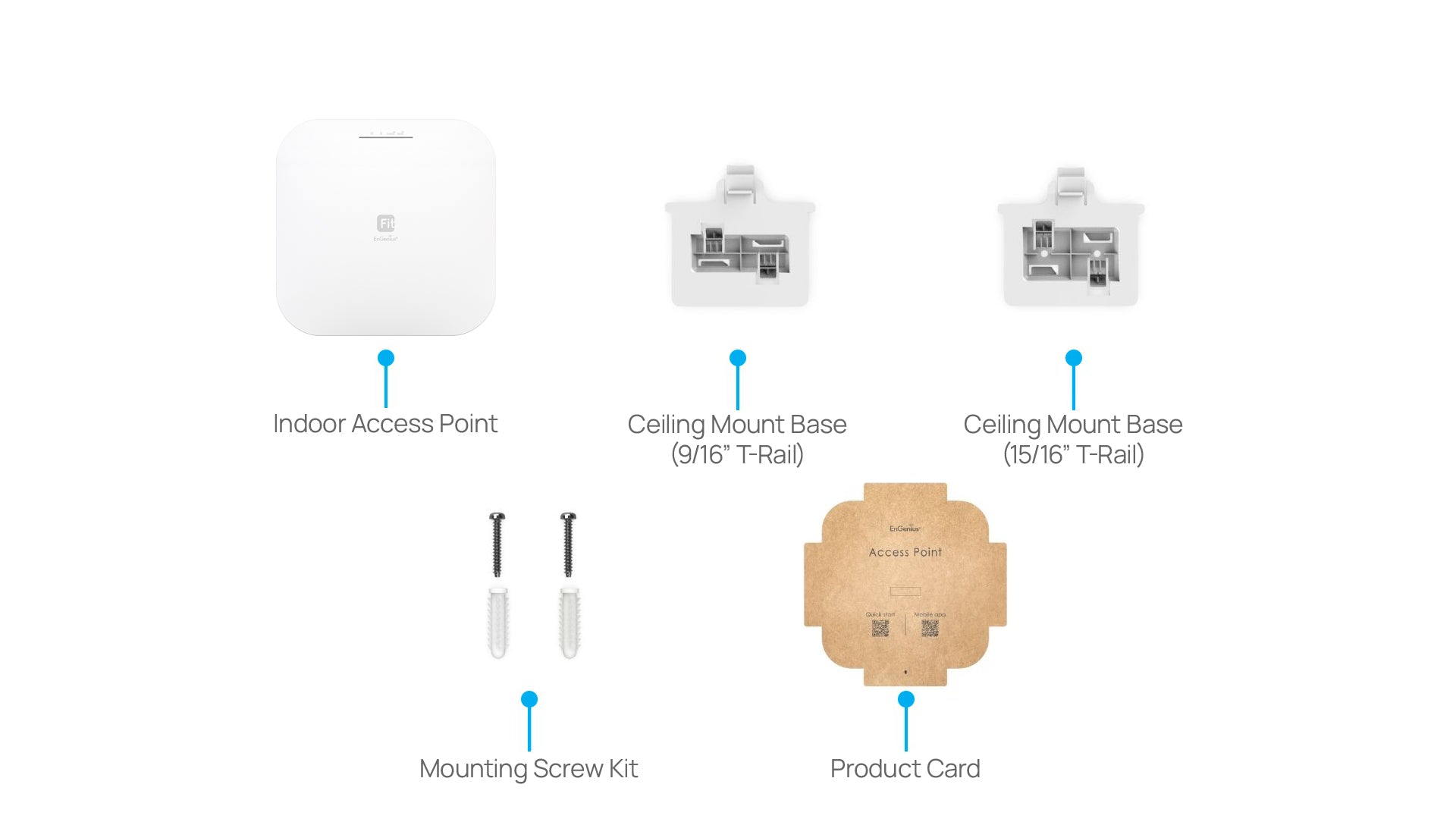
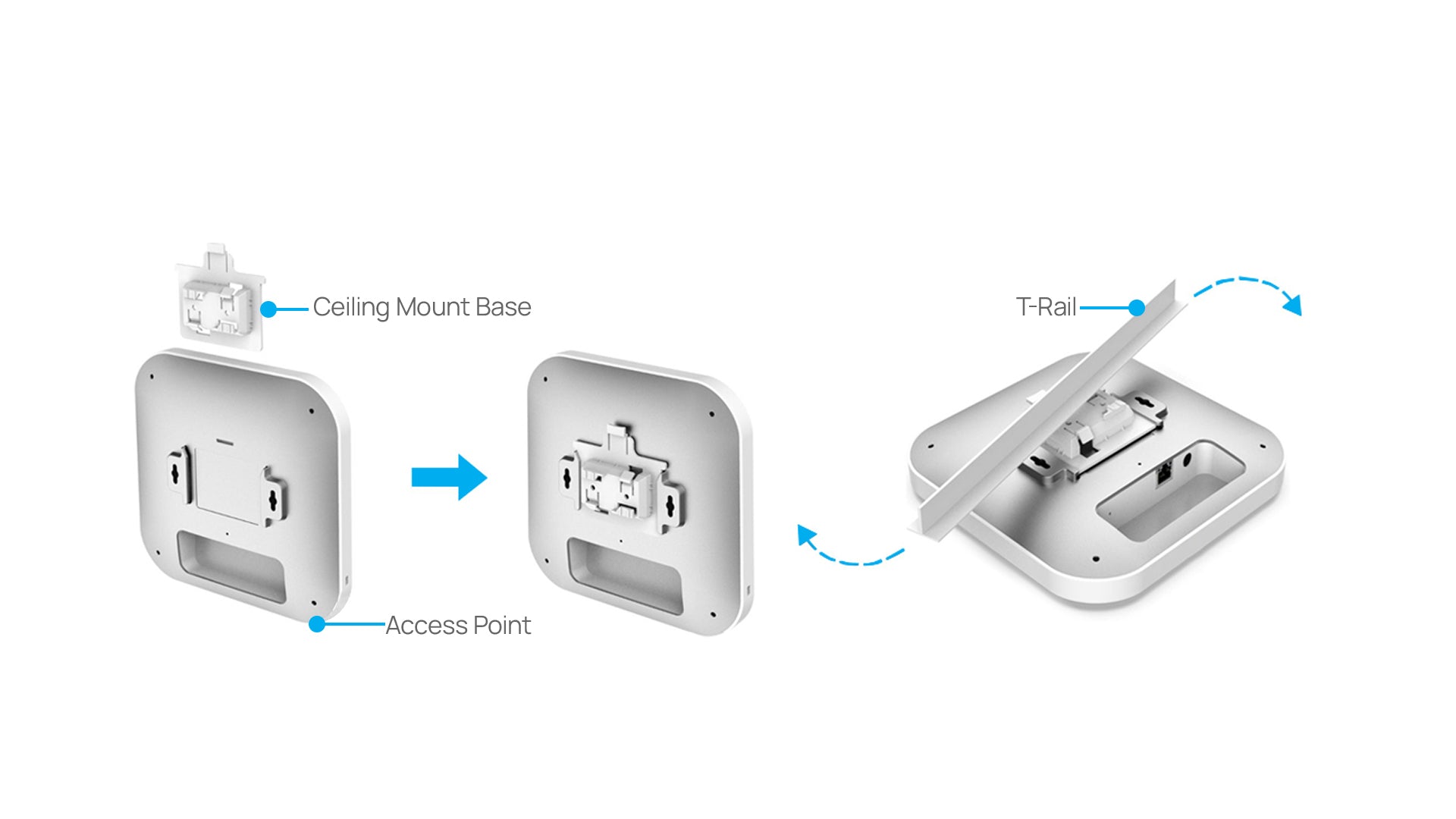
Package Contents 1 – EWS276-FIT Cloud Managed Indoor Access Point 1 – Ceiling Mount Base (9/16” Trail) 1 – Ceiling Mount Base (15/16” Trail) 1 - Ceiling and Wall Mount Screw Kits Quick Start Guide QR Code Mobile App QR Code