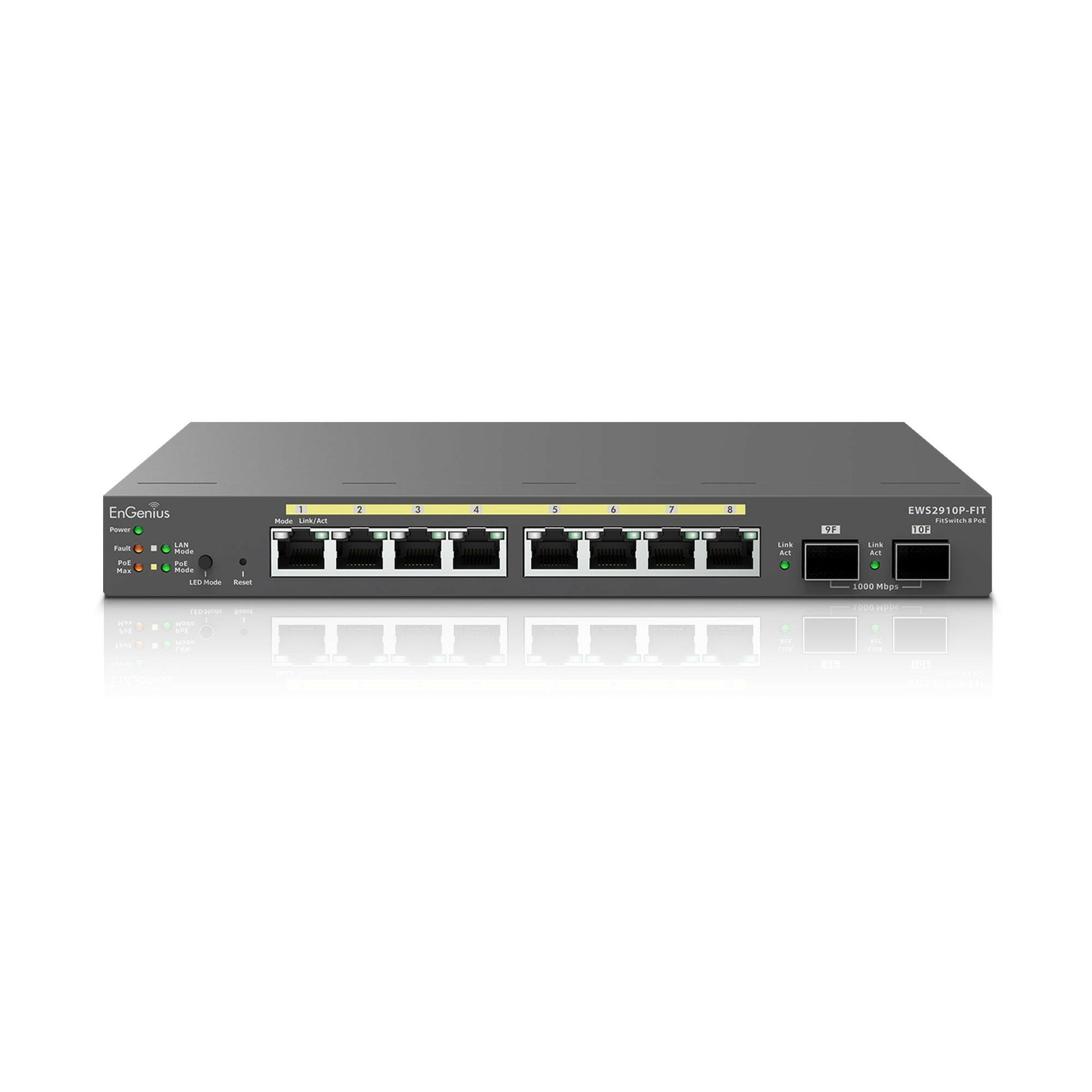
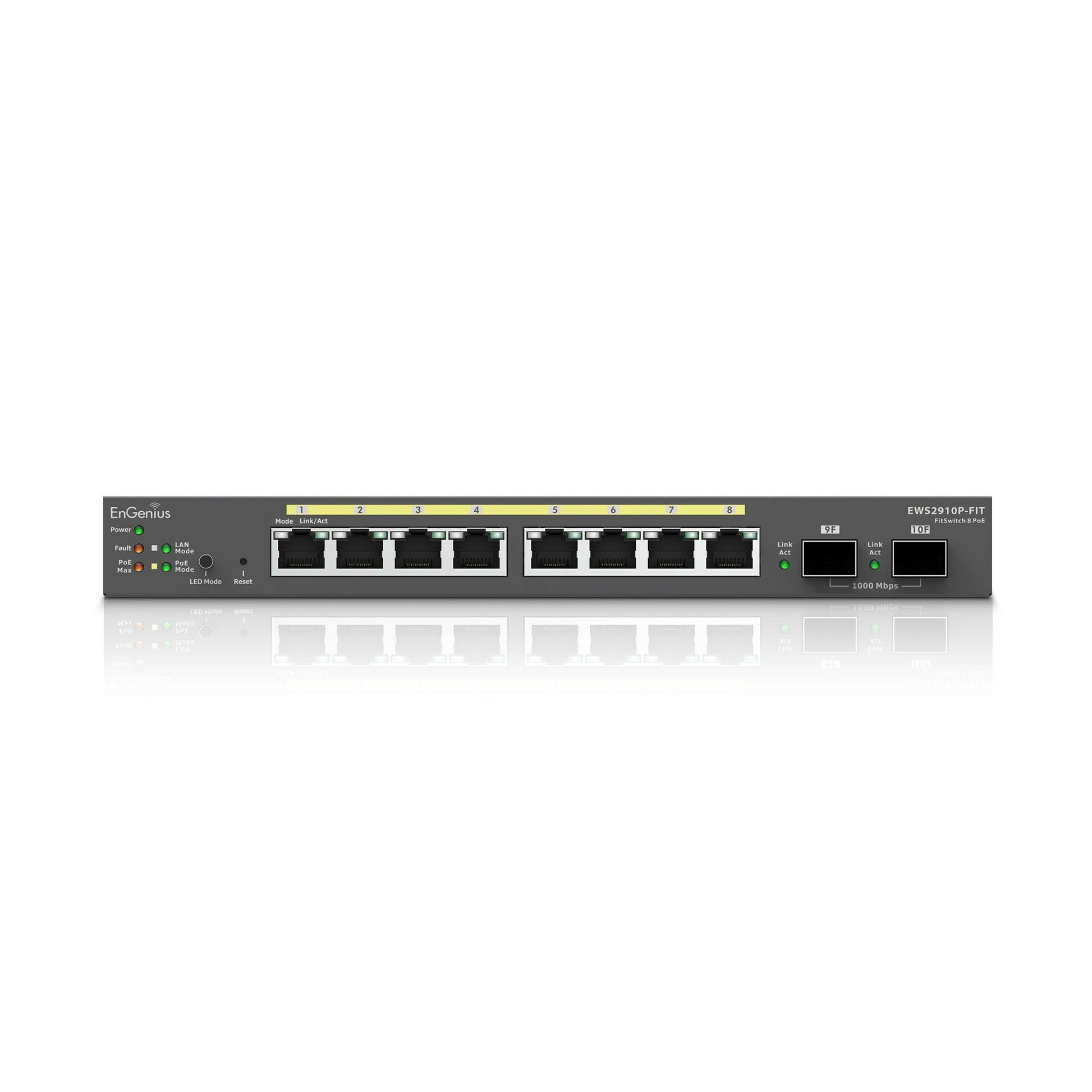
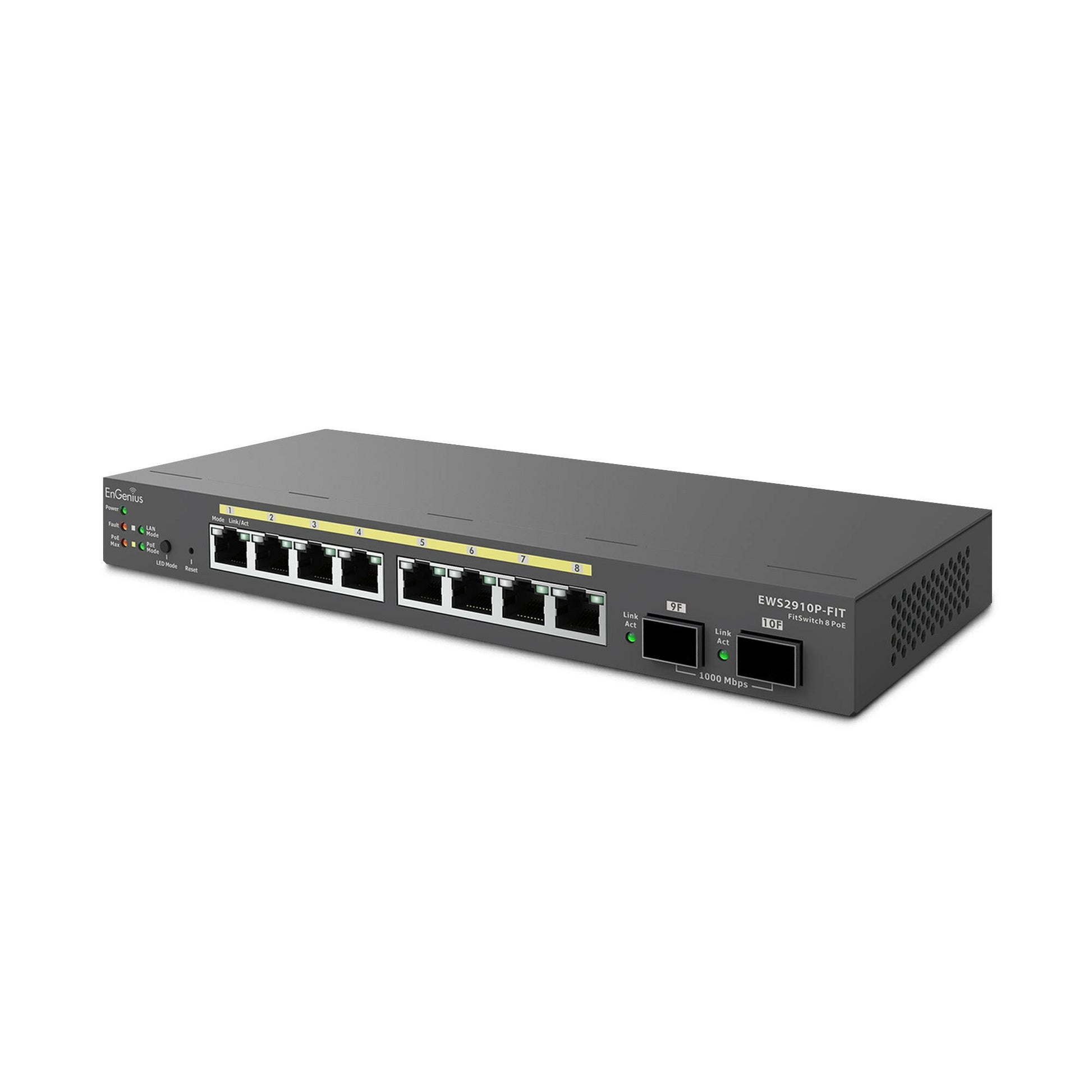
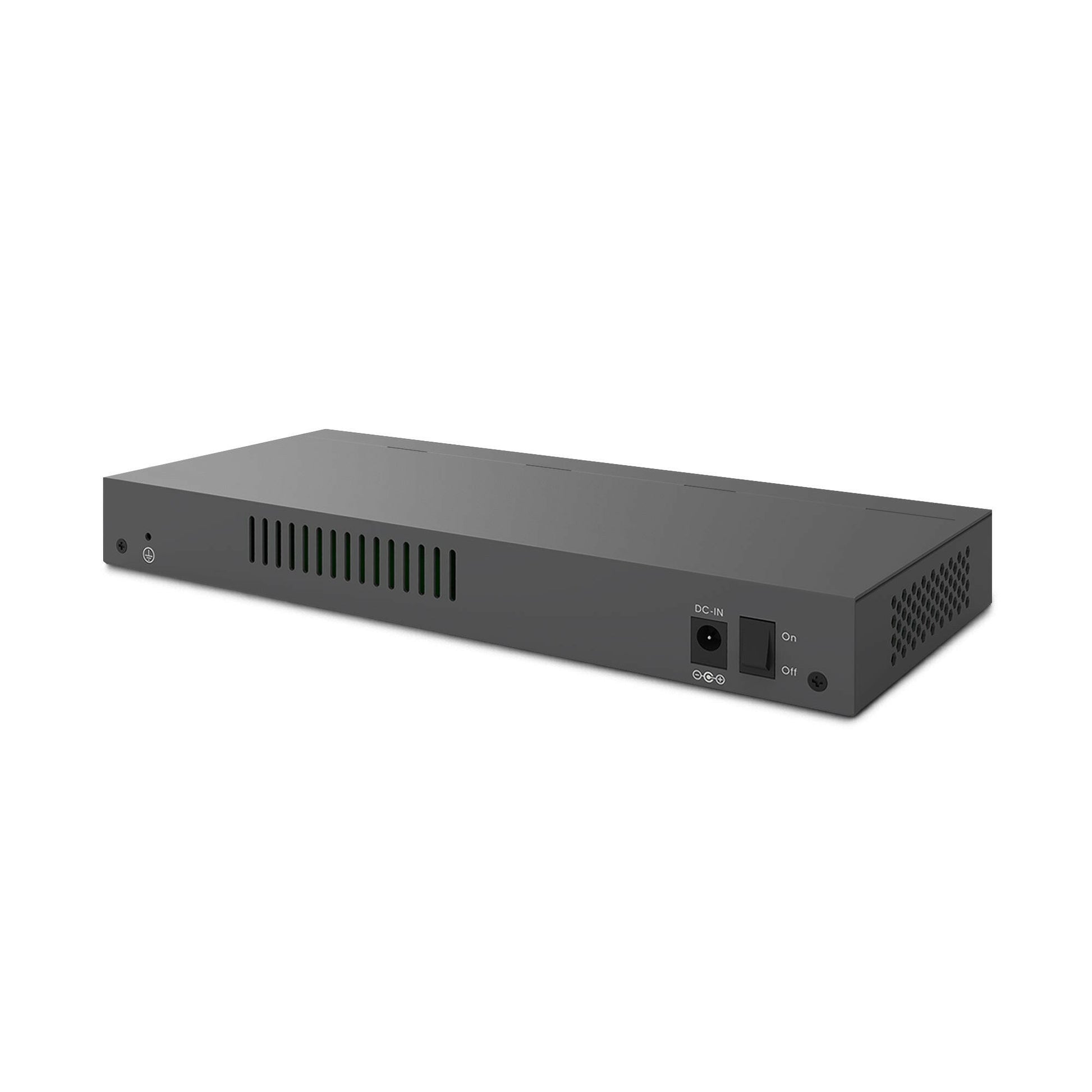
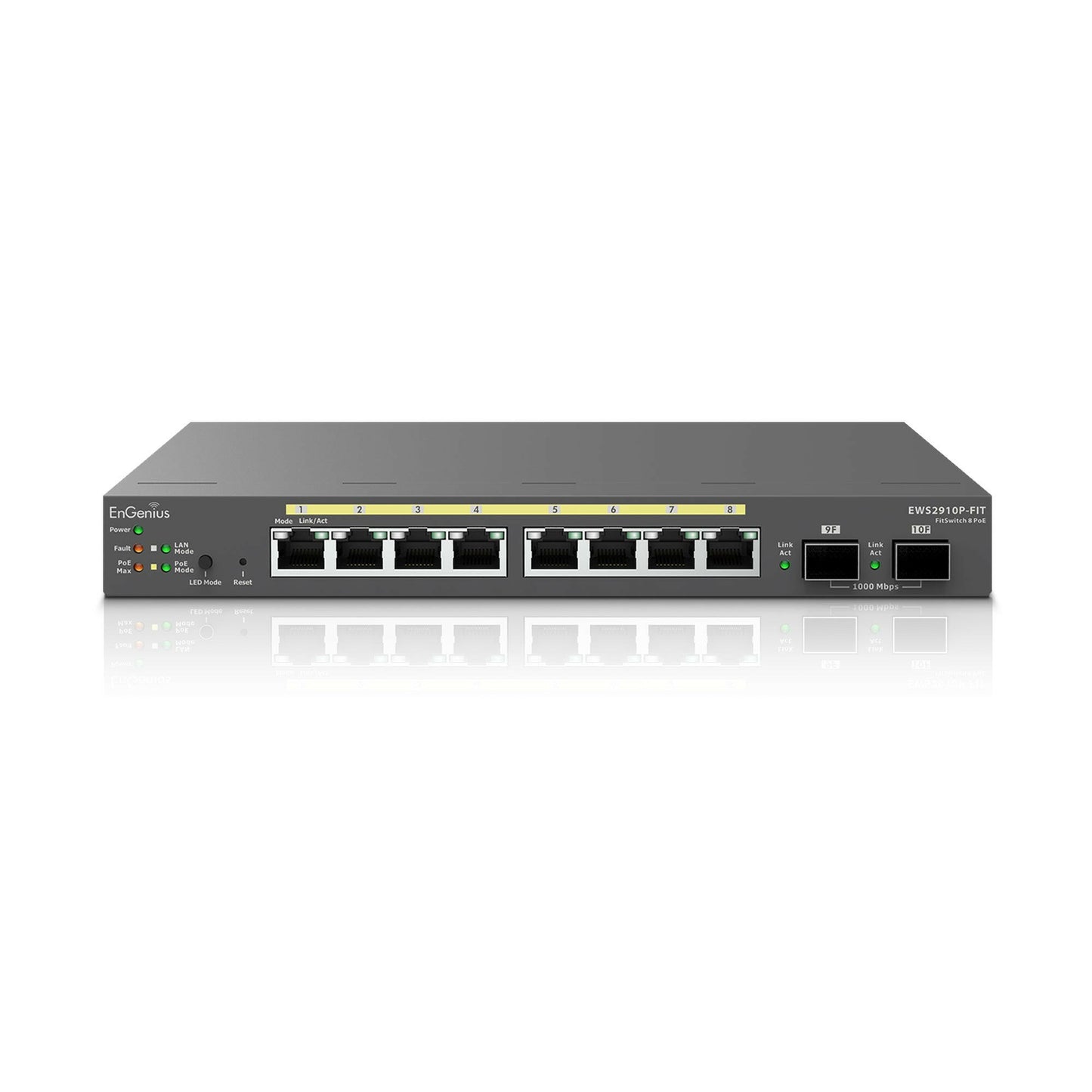
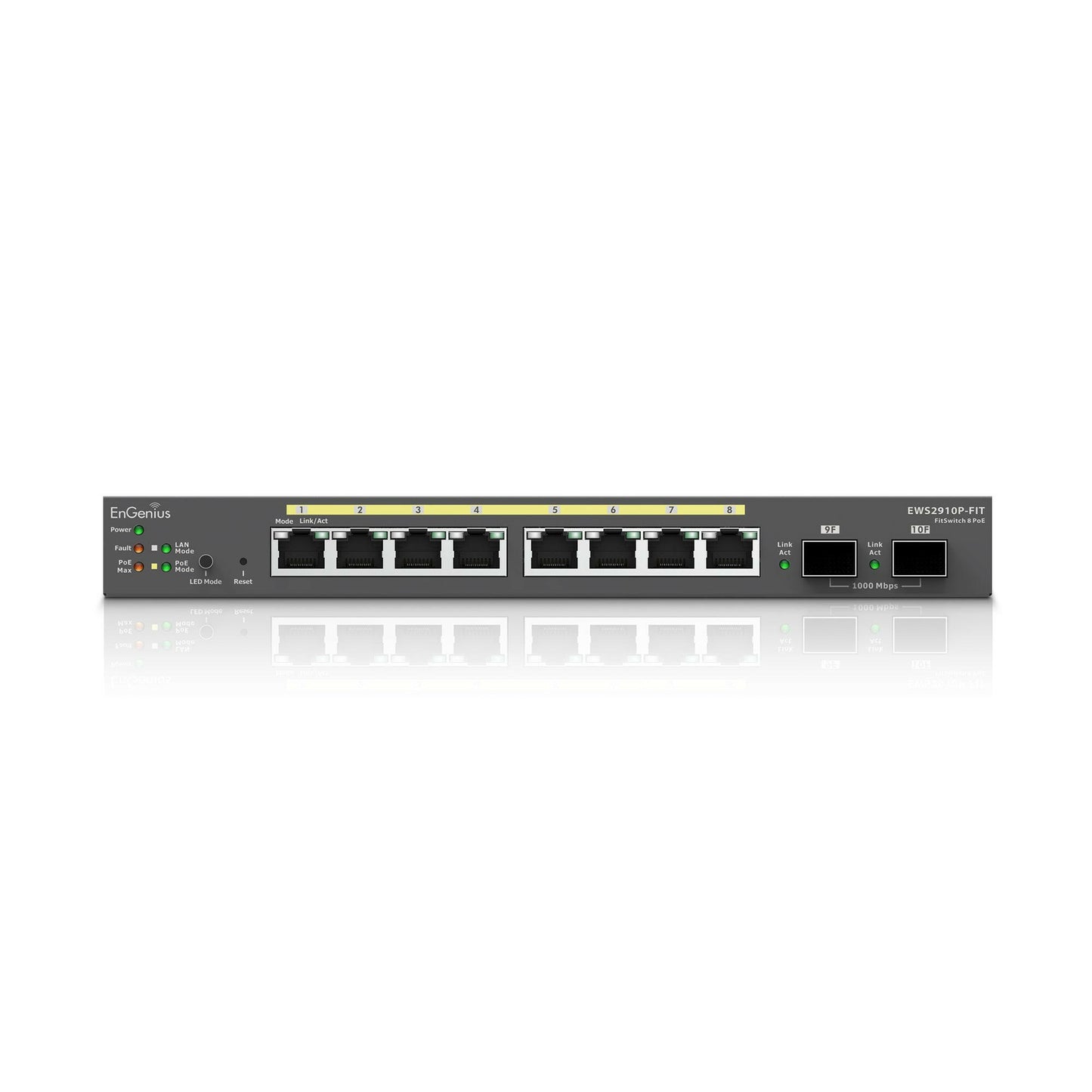
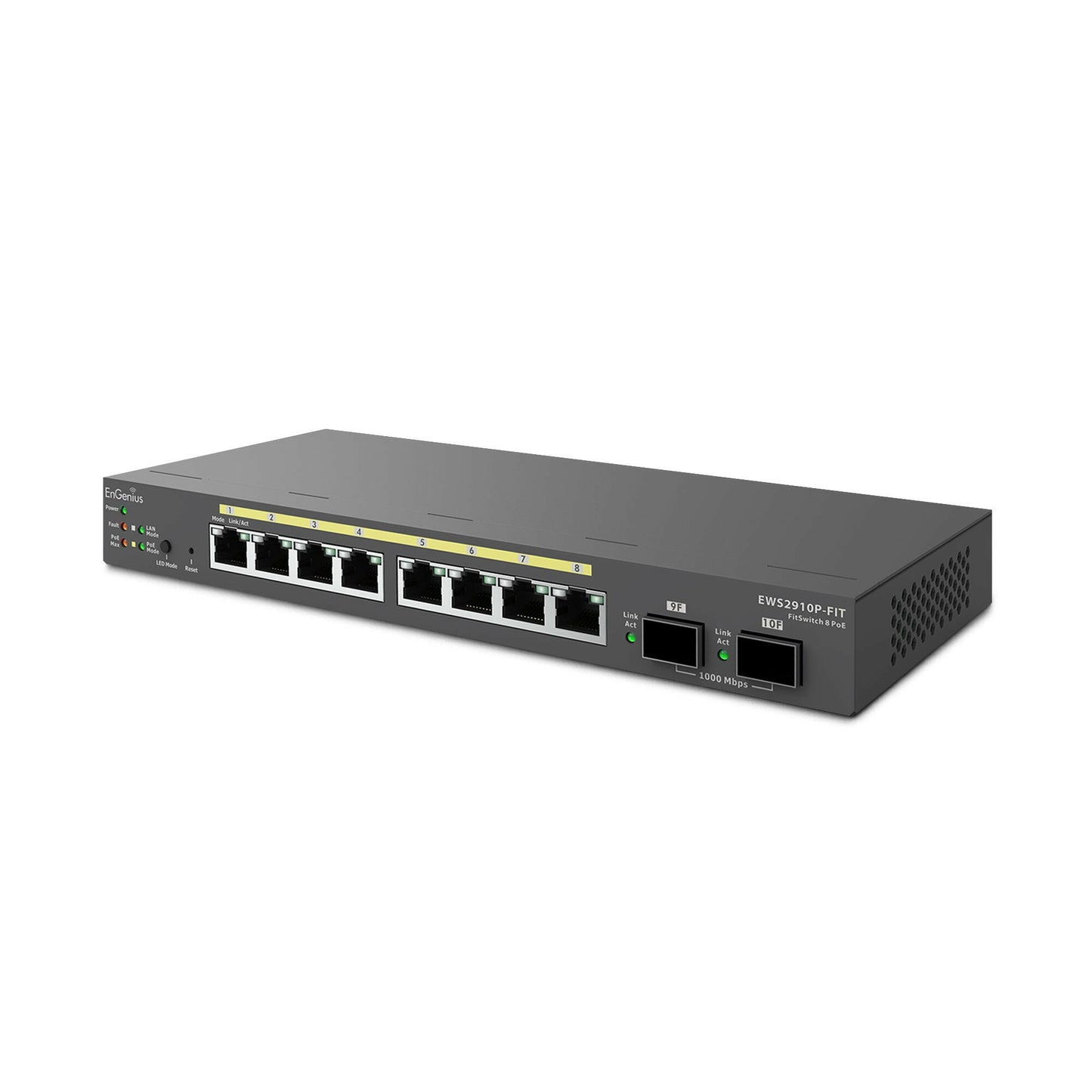
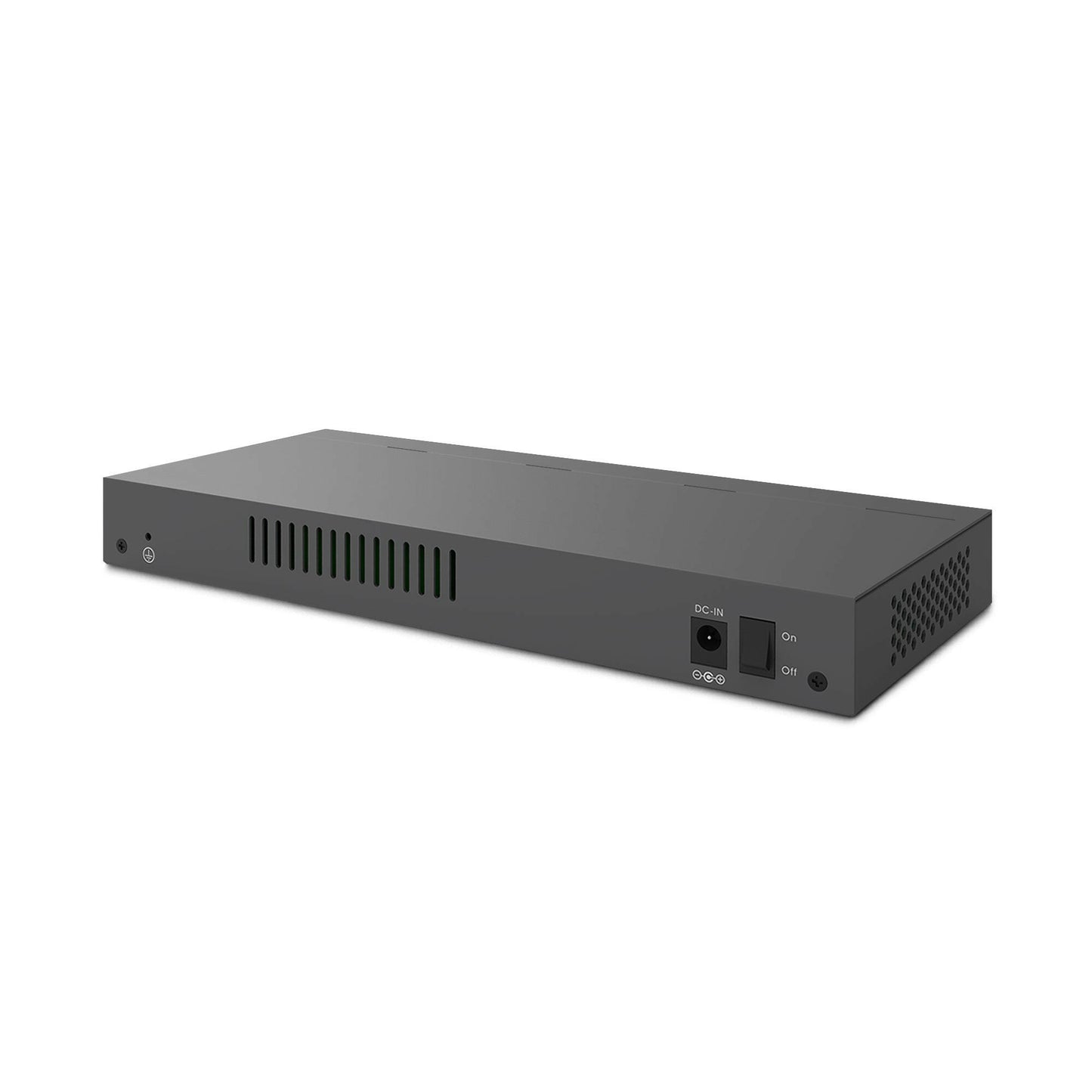
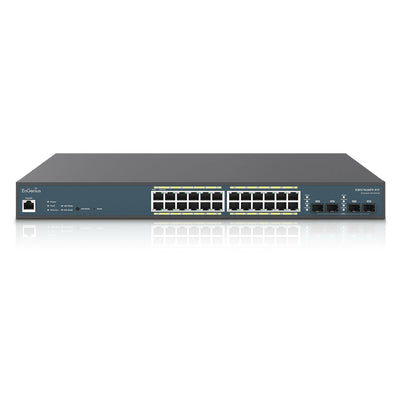
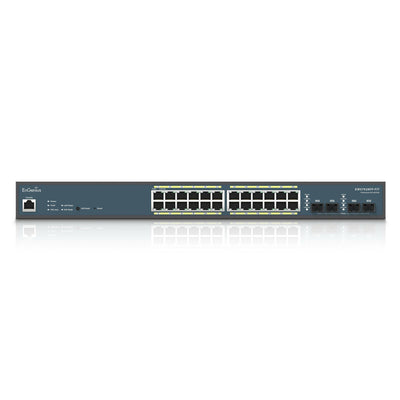
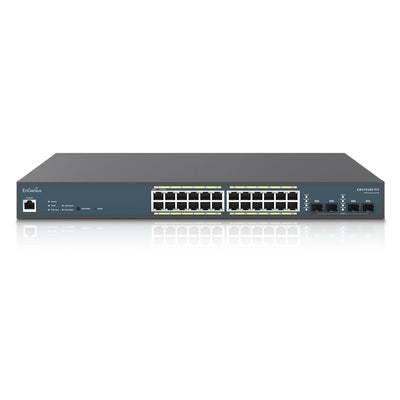
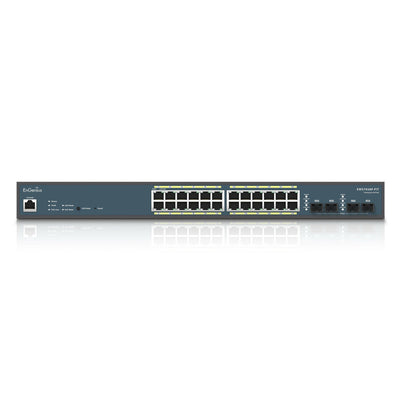
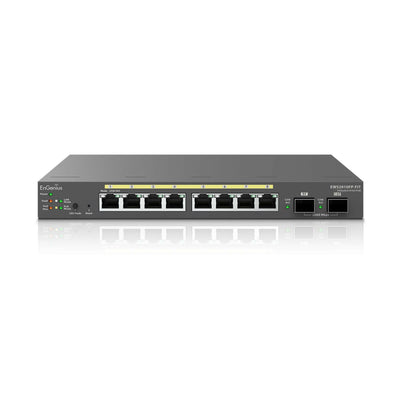
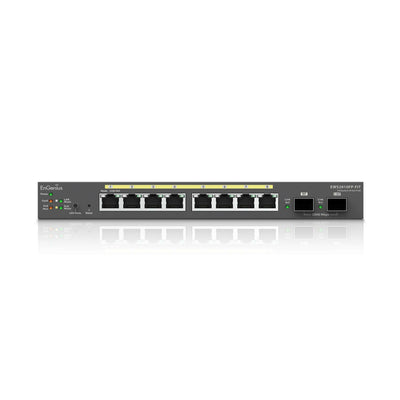
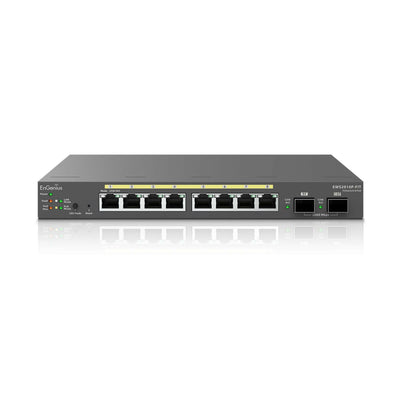
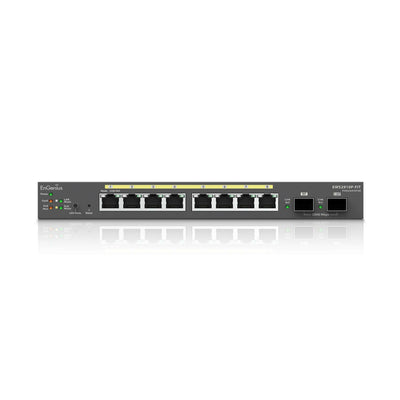
EWS2910P-FIT: EnGenius Fit 55W Gigabit PoE 8 Port Switch
$139.00
/ per
Layer 2 plus switch comes with 2 SFP uplink ports and multiple management options
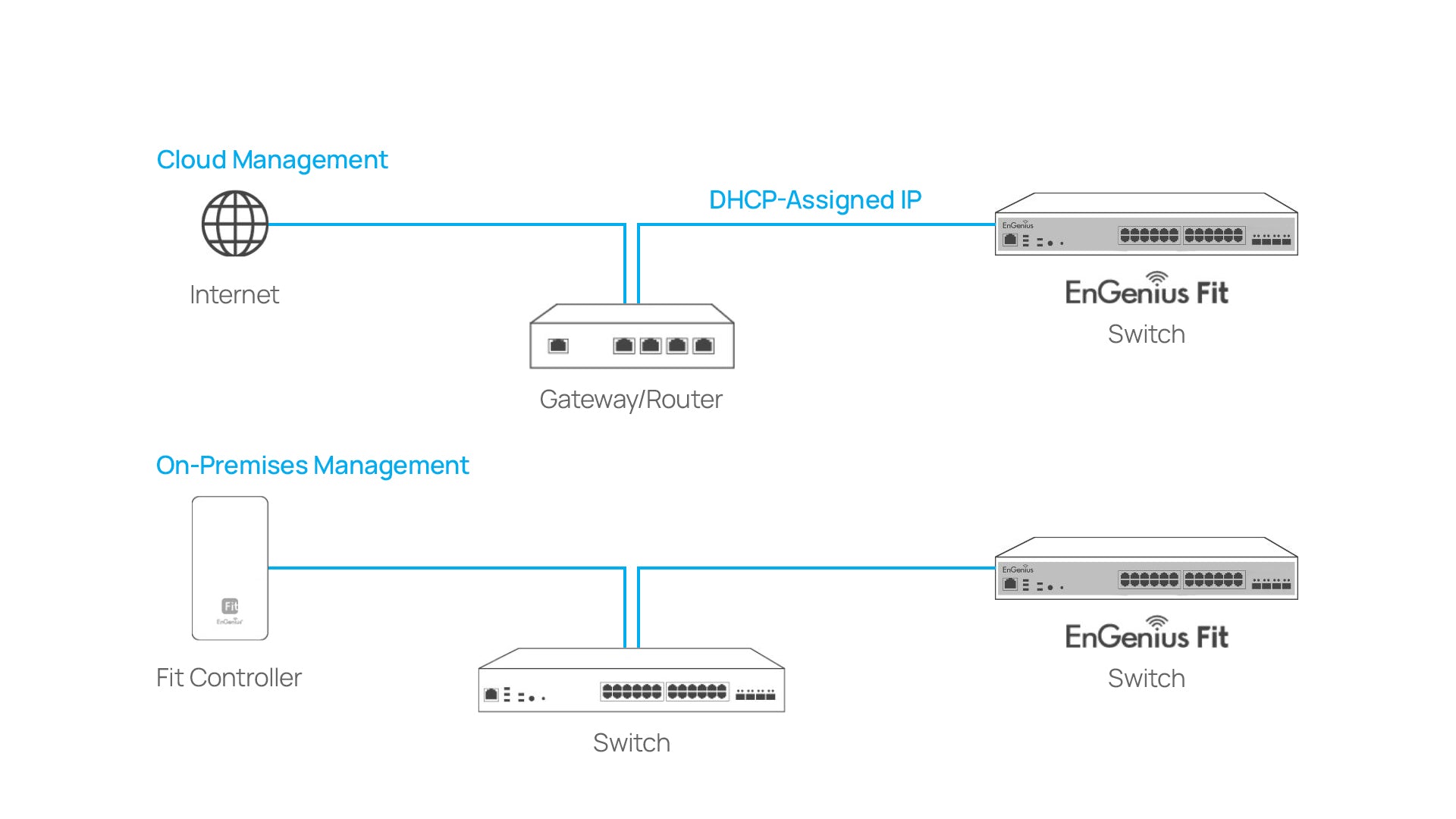
EnGenius Fit Managed Switch EWS2910P-FIT is an 8-port Gigabit PoE Layer 2 plus switch with a 55W PoE budget and 2 SFP uplink ports. It offers multiple management options for small business network environments, allowing you to select the cloud or on-premises management option that best suits your needs. With its business-class features, the EnGenius Fit Managed Switch provides secure, reliable, and high-performance switching while reducing capital and operating expenses for cost-conscious small businesses.
Not satisfied? We allow returns within 30 days of product purchase
Management
This product is compatible with the EnGenius Fit line of products
55 Watts of Power
802.3af PoE ready on all ports with 55W PoE budget
8 Ports
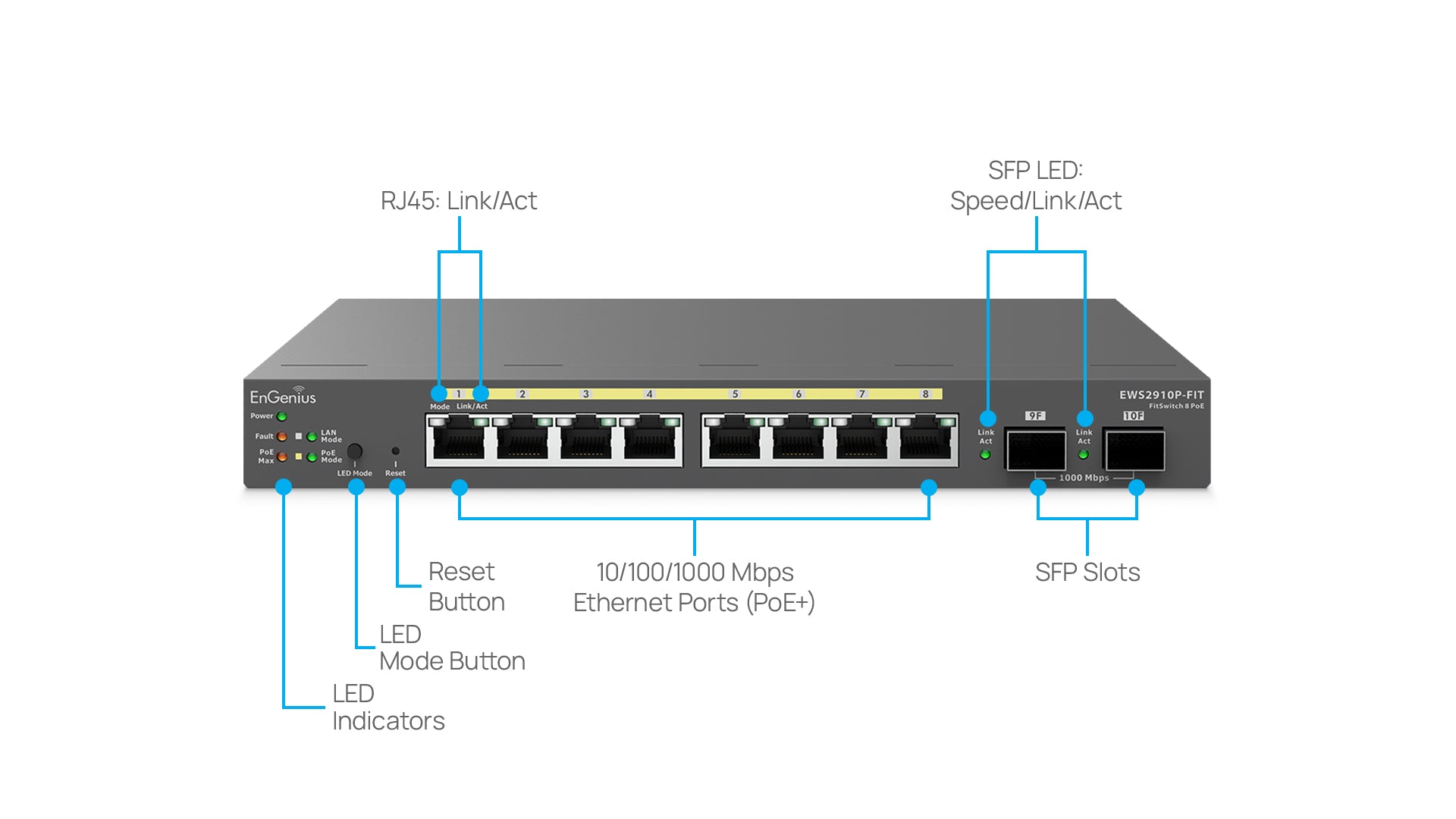
8 x 10/100/1000 Base-T GbE Ports with Full-Featured Layer 2+ Switching
Customer Reviews
Overall rating: 4.9 / 5 from 13 reviews.
I'm not utilizing POE for this instance, but my use case is to place the switch in a small storage room, connected to three 3D printers and a couple Raspberry Pi. It is working very well. However, the workspace is far from complete. It's a storage room, after all.
Pretty nice little switches, the first of two I've installed. This first one, resides in a small rack in my basement, it's primary function, to provide power to three wireless access points upstairs. A couple ports are used to connect Raspberry Pi devices that serve as music streamers upstairs, and I use the SFP+ port to connect to another switch upstairs. The ability to configure devices through the FitXpress interface is nice. The only oddity I've discovered is that I have to use the phone app to turn POE on and off. At least through Microsoft Edge, that option seems to be missing from the Windows browser.
Great features and amazing prize. You get cloud management, POE and small form factor for such a low cost. I keep an extra one on the shelf ready to go as it can work as a POE injector, provides additional ports, monitor network clients and devices connected, and so on. Makes troubleshooting remotely with end users possible.
I was not sure about the FIT management. I am able to kill POE from anywhere. I use this for a home network also connected to a HAM Radio network called ARDEN. makes it easy to reset the AREDEN NODES. I have been using EnGenius products for about 15 years.
I love the switch in the app, but still having issues with my access points
Have talked with technical several times and they cannot get the problem resolved
The switch works fine. A little bit of a learning curve after working with cisco & dlink switches mainly. I do have a couple of suggestions for improvement/fix. The 2 sfp ports always show active/up when an sfp module is installed (at least with 1000-Base-T modules--and I tried 3 different brands). I only have this issue with EWS2910P-FIT switches, the EWS7928P-FIT are OK. They work fine but show the link as active even when no uplink/cat6 cable connected.
Also, please include the hostname in your dashboard info--all you have is the ip address.
Otherwise, happy with the Engenius FIT switches.
I use this device at a small not-for-profit with ~6 employees and volunteers to which I provide technical support as a volunteer. It's nice to be able to support the network and check on the status from my smart phone at home.I use this alongside 3x EnGenius Express Wi-Fi beacons through the building, hosting 3x Wi-Fi networks.One thing to know: the "Express" software is only sufficient for simple setups. For example, there are no IP reservations and no manual routing rules. It's my understanding these features become activated if I purchase additional products (Fit Cloud Controller, IIRC). I'm okay with this. The express tier was sufficient for our needs, and I might upgrade later if those needs change.And one final word of caution - when you make changes in the Express software, all of the managed devices will then reboot to take the configuration change, and this can take a while. Although the ease of making the changes from home mean I can do them at night when the building is empty 😅 .
Port Settings Multicast Filtering EEE Port Isolation Port Mirror Jumbo Frames LLDP
Security 802. 1X Radius Authentication Protocol Access Web HTTP Service HTTPs Service Command Line Interface (CLI) Telnet Service SSH Service Port Security Radius Server DoS Prevention
System Settings IP Settings IPv4 Management IPv6 Management IPv4 Network ARP Table ARP Statistics Simple Network Time Protocol (SNTP)
Analyze Log Local Logging Remote Logging
Diagnostics Cable Diagnostics Ping Test IPv6 Ping Test Trace Route Connection Diagnostic
Access Control List (ACL) MAC Based ACL MAC ACE IPv4 ACL IPv4 ACE IPv6 ACL IPv6 ACE ACL (Port) Binding
SNMP SNMP v1/v2c/v3 Support
RMON RMON 1,2,3,9
QoS CoS Mapping DSCP Mapping Port CoS Bandwidth Control Storm control Advanced Mode Class Mapping MIB/RFC Standards RFC1213 RFC1493 RFC1757 RFC2674 RFC2863
Environmental & Physical
Temperature Range Operating: 32°F to 104°F (0°C to 40°C)
Humidity (Non-Condensing) Operating: 5% - 95%
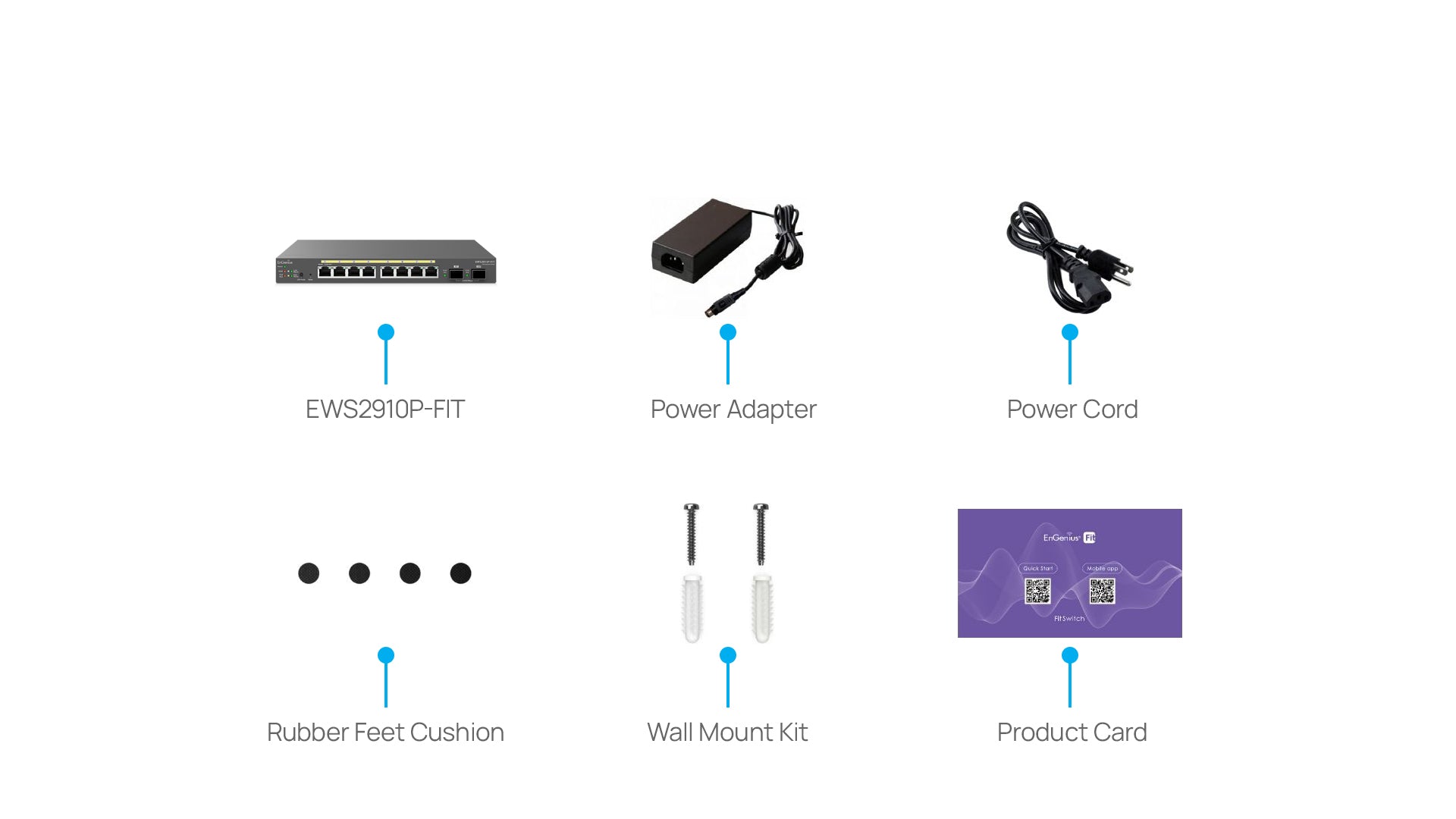
Package Contents 1x Fit Managed 8 Ports Gigabit Switch 1x Quick Installation Guide 1x Power Adapter